Step 1: Open the Devastate Launcher.
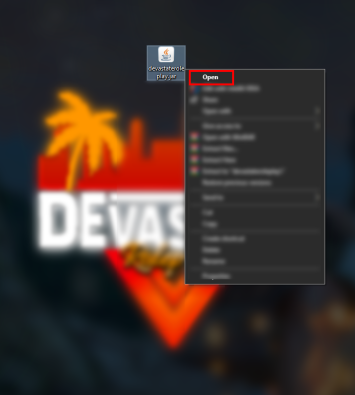
1. Right-click on devastateroleplay.jar and select Open.
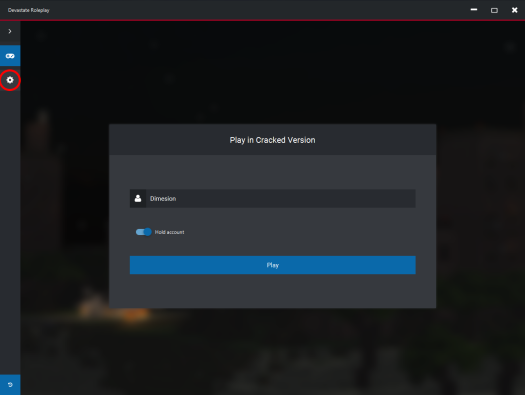
2. Click the gear icon in the top left corner.
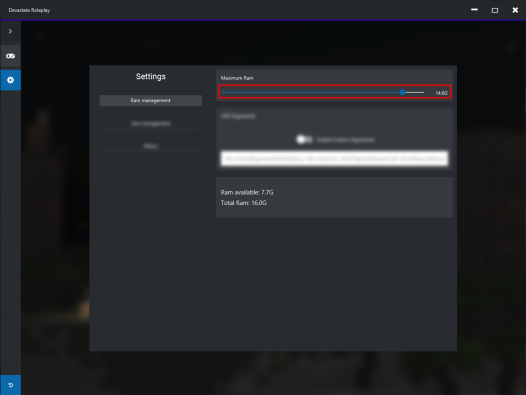
3. Adjust the RAM allocation according to the amount of RAM your computer has.
4. Click the Join Server button.
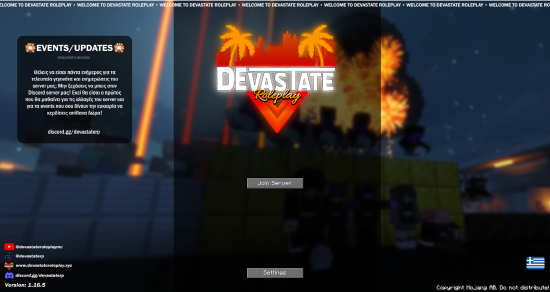
6. Enjoy all the features of Devastate Roleplay