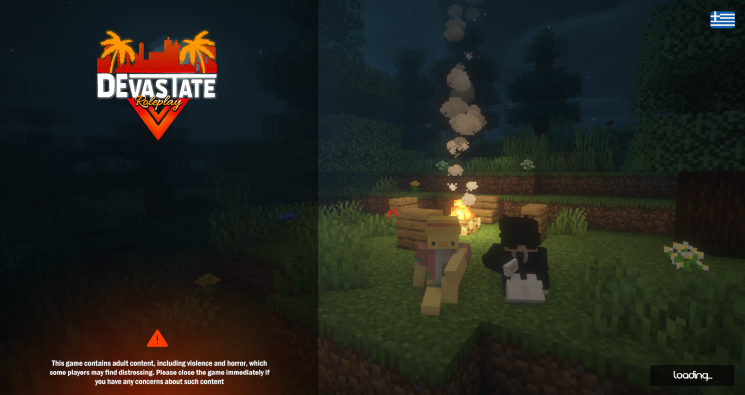
Step 1: Open Devastate Launcher
1. Click on the Devastate Launcher and open the program.
2. Click the Play button.
Step 1: Open Devastate Launcher
1. Click on the Devastate Launcher and open the program.
2. Click the Play button.

Step 2: Open the Settings and add the Resource Pack.
1. Open Settings
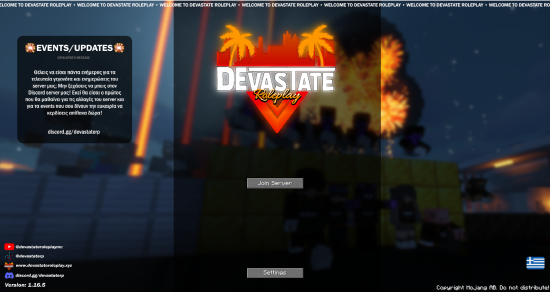
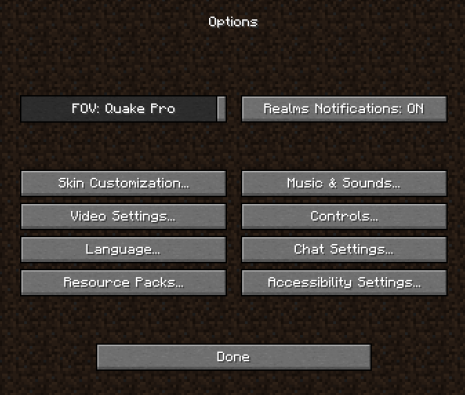
2. Click on the Resource Packs option.
3. Click on CavePackBetaV3.zip.
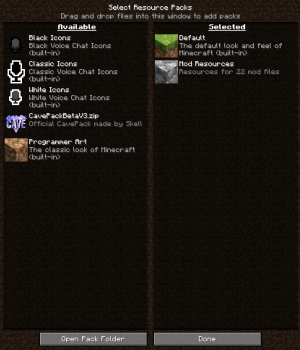
4. Enjoy the new custom graphics of Devastate Roleplay.