Step 1: Uninstalling the Devastate Launcher
1. Press the Win + R keys simultaneously, then type %appdata%.

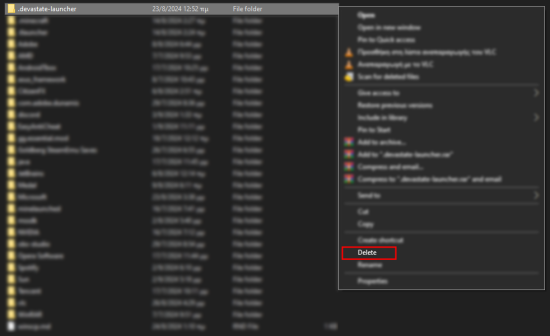
2. Locate the .devastate-launcher folder, then right-click on it and select Delete.
Step 1: Uninstalling the Devastate Launcher
1. Press the Win + R keys simultaneously, then type %appdata%.
2. Locate the .devastate-launcher folder, then right-click on it and select Delete.
Step 2 Installing the Devastate Launcher
1. Download the Devastate Launcher installer from the Official Website
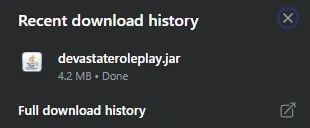
2. Open the Devastate Launcher from your Recent Download History.
Step 3: Move the Devastate Launcher to your desktop.
1. After downloading the Devastate Launcher, go to the folder where you have set the program to be downloaded.

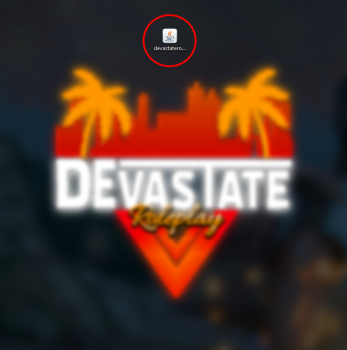
2. Drag the devastateroleplay.jar file to your desktop.
Step 4: Open the Devastate Launcher.
1. Right-click on devastateroleplay.jar and select Open.
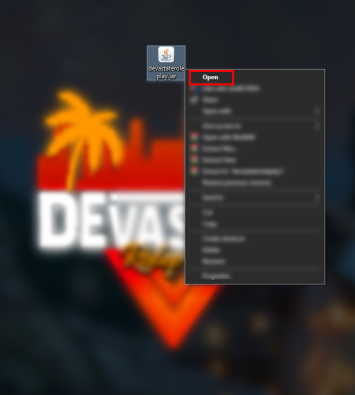
2. Wait for the Download Files process to complete.
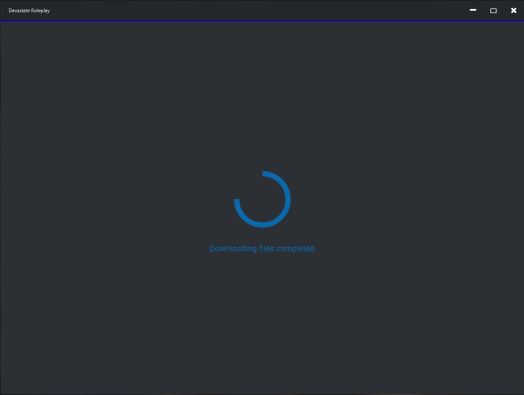
3. Enter your username in the Launcher as the name you want to use in the game.
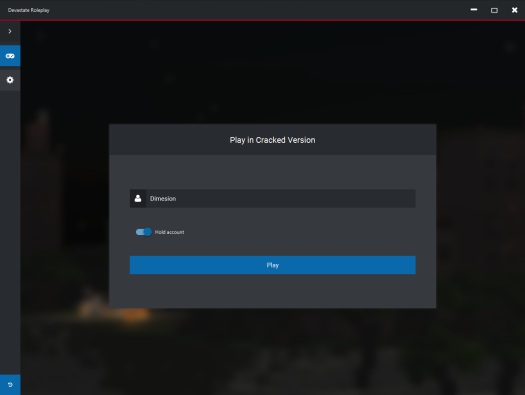
4. Click the Join Server button.
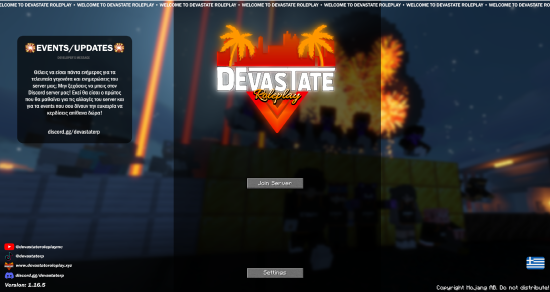
5. Enjoy all the features of Devastate Roleplay.