How To Connect
Connection Guide: How to Join Devastate Roleplay

Modified on: Mon, Sept 2, 2024 at 17:09
Instructions for Windows


Step 1: Go to the Devastate Official Website

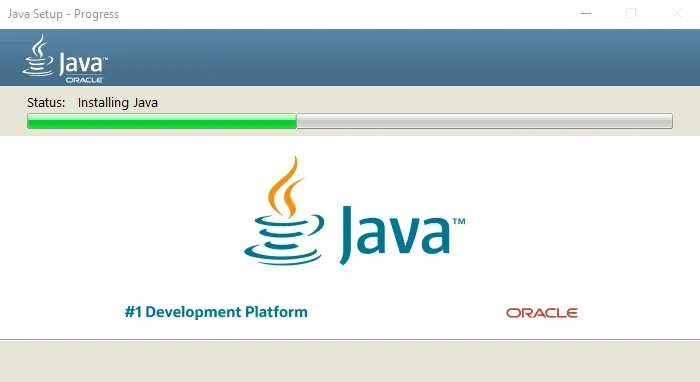
1. Click the Download Java button if you don't have it installed on your computer.
2. Set up Java.
3. Then, click the Download Launcher button.
img

Step 2:: Open Devastate Launcher

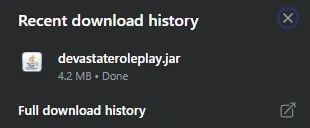
1. Open the Devastate Launcher from your Recent Download History.

img


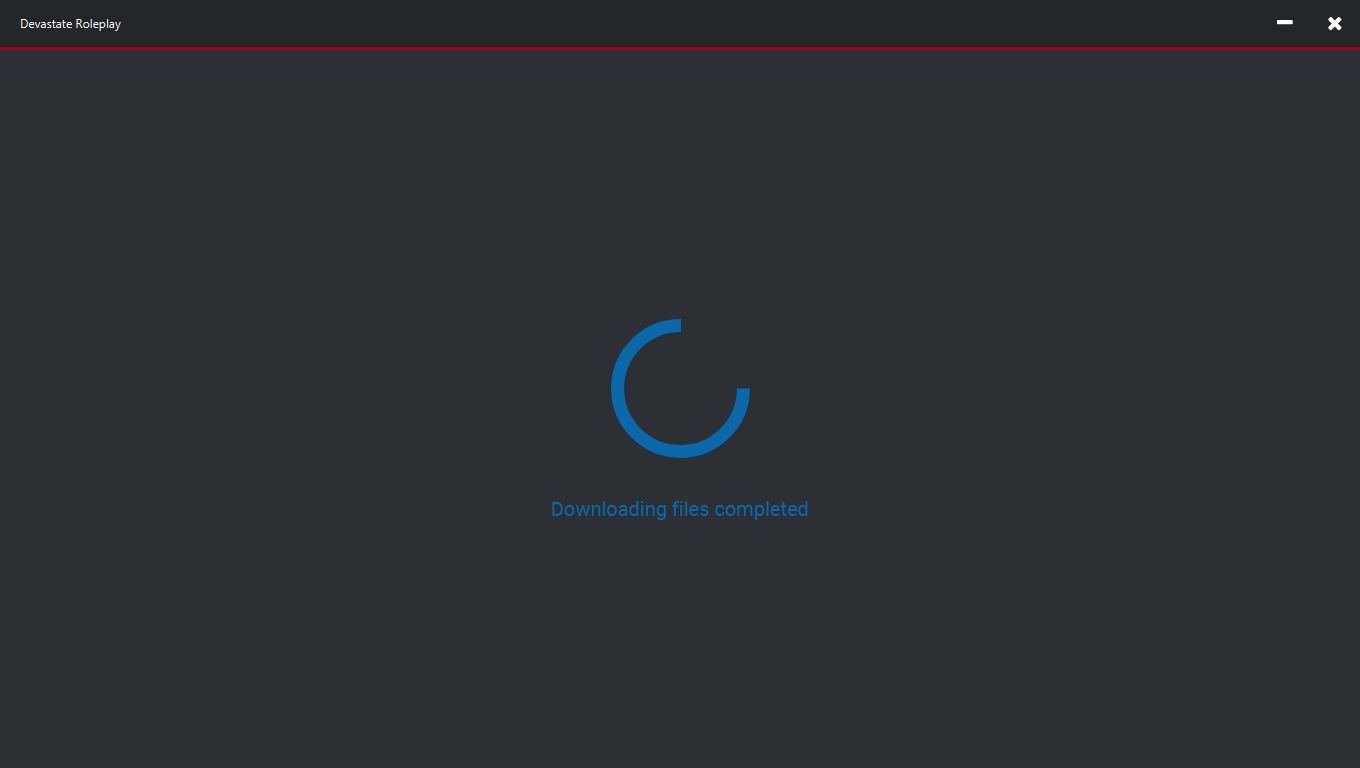
2. Wait for the Download Files process to complete.

img

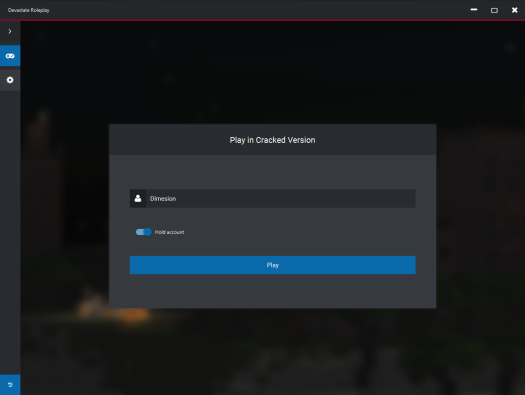
3. Enter your username in the Launcher as the name you want to use in the game.

img

4. Click the Play button.

img

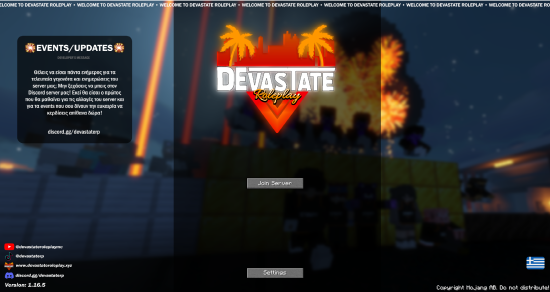
5. Click the Join Server button and enjoy Devastate Roleplay.

img